Conversations
Keep customer conversations, team messages, quotes, photos and follow-up close together. Available communication channels depend on your company setup.
Conversations, tasks, your website, files and daily operations. Bring the work behind your business into GlobalOS Ops, on your own or with a team of 100.
✓ $0 to try✓ No credit card required
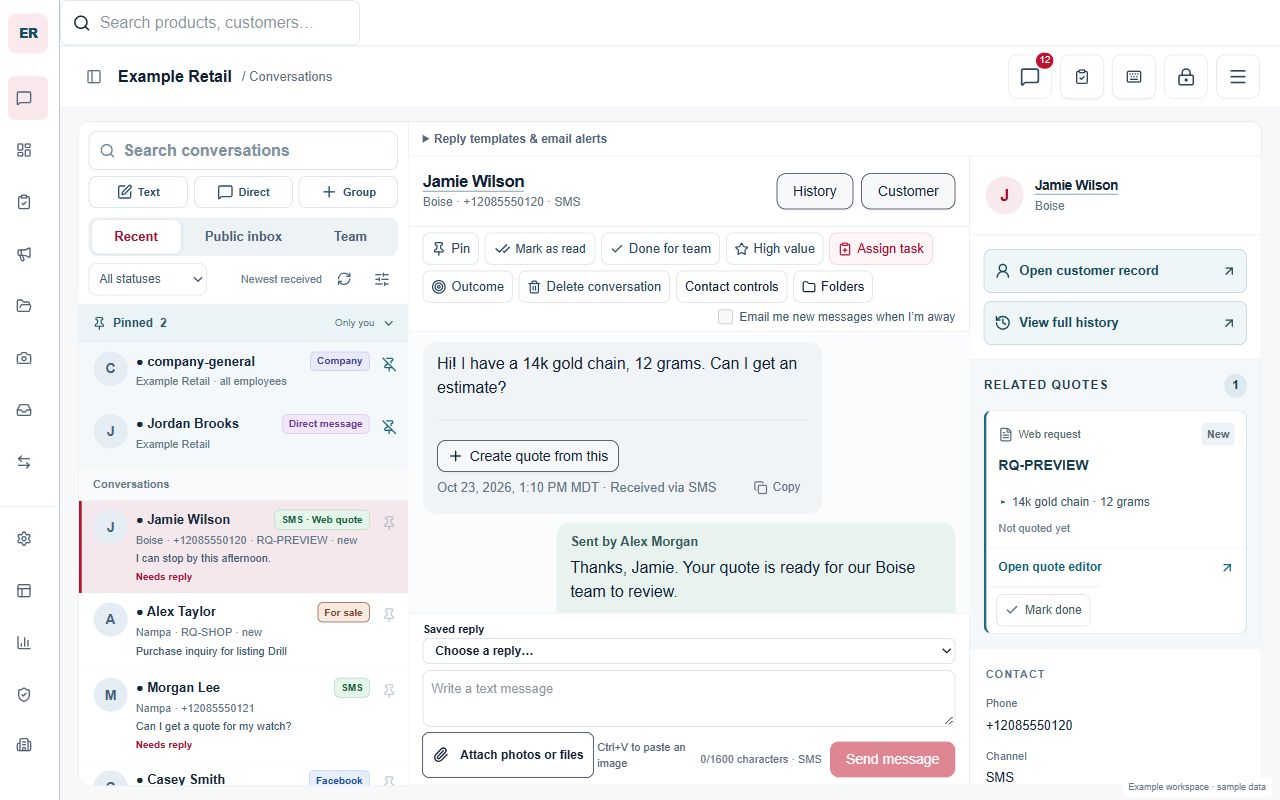
Whether it is just you or a team of 100, the day brings customers to help, decisions to make and work to hand over. Give that work a shared place, with access for the people who need it.
Keep customer conversations, team messages, quotes, photos and follow-up close together. Available communication channels depend on your company setup.
Assign tasks, organize recurring work and see what needs attention. Give each next step an owner and a place to move forward.
Create a business website with your brand, services and locations, and review it before publishing. Manage articles, search descriptions and content strategy afterward.
Keep working documents and images within reach. Find the material you need for customer work, projects and team coordination.
Bring clocking, schedules and company updates into the working day. Give your people a reason to return to the same workspace.
Invite employees, assign store access and manage company work. Roles keep access tied to responsibilities; a person can belong to more than one authorized business.
Verify your account, add company details and select your locations. Review any suggested website copy before approving it.
Start with the work your team needs most. Review the setup guide, company information and available tools.
Invite employees and assign access. Work through a real task together before expanding to more of your daily operation.
Begin with the people and workflows you need. Company roles and permissions keep access tied to each person’s responsibilities.
Set up your workspace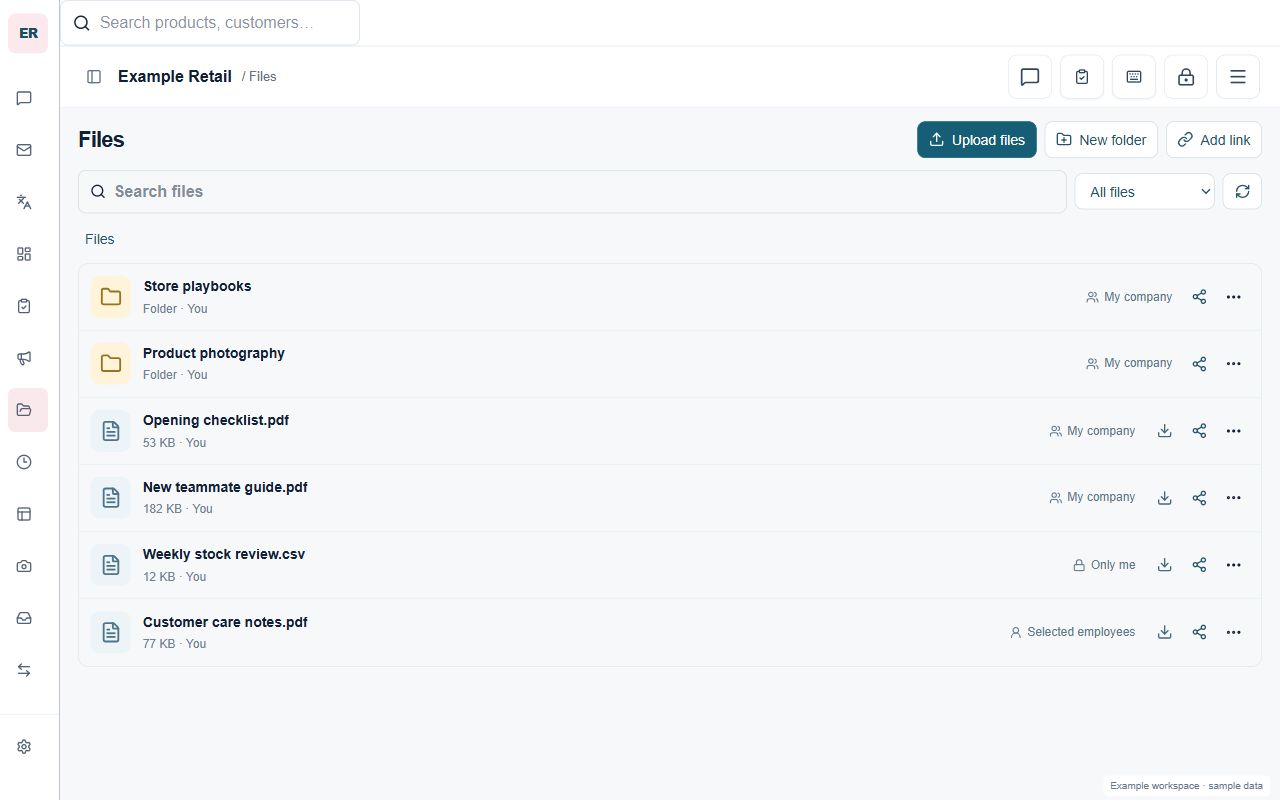
Tell us about your business. Our setup guide helps draft your introduction and services, then shows your website for review before you publish it on GlobalOS.
Verified signup required. $0 to try. No credit card.Your brand, your Google-listed locations and what you do.
Use the optional AI guide, edit the draft and approve the page.
Your page starts on GlobalOS. For your own domain, talk with Sam.
No. Its development began in real store operations, and some specialist tools serve pawn and precious metals businesses. Team conversations, tasks, files and websites address needs across other kinds of work.
No. Start with a workflow you can review with your team. Messaging channels, website addresses and integrations may need additional setup. Choose what fits your operation before moving more work.
Use Sign in to return to your workspace. Company access comes from an existing assignment or an accepted invitation; creating a personal account does not add you to a company.
Start with your business and one workflow you want to bring together.
Feature availability, usage allowances and integrations depend on company setup.